
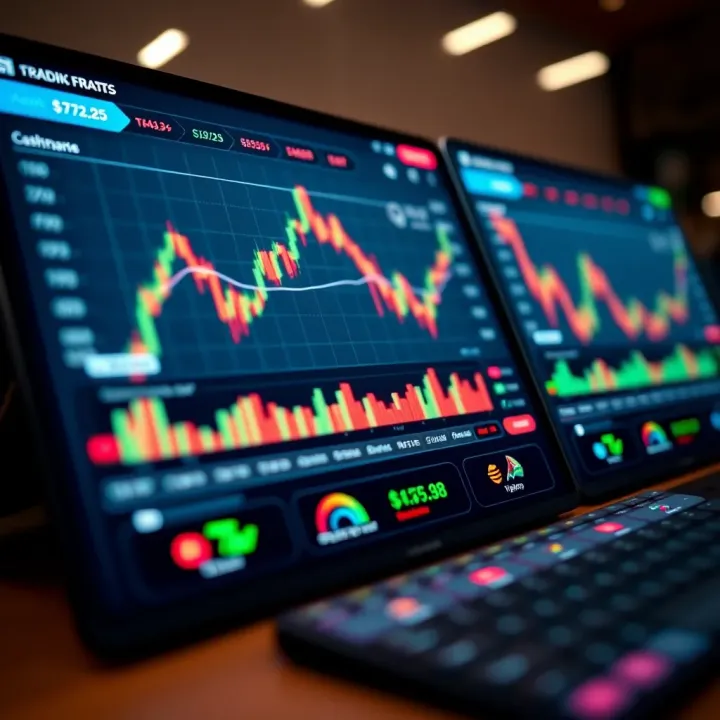
Choosing the Best Free Forex Trading App in South Africa
Discover the best free forex trading apps for South African traders 🇿🇦. Learn key features, security tips, app comparisons, and how to boost your strategy 📈.
Edited By
Oliver Bennett
Choosing the right forex trading app in South Africa calls for more than just downloading the most popular one. It's about finding an app that fits your trading style, offers reliable execution, and keeps your funds safe. Mobile trading has surged here as smartphones became widespread, making it easier to stay connected to the market wherever you are—from Gauteng to the Garden Route.
South African traders deal with a unique set of challenges and opportunities: fluctuating currencies like the rand, local regulations, and sometimes tricky data costs. These factors influence which app will serve you best. Whether you’re dipping your toes into forex for the first time or need an app that can handle high volume trades, understanding the specific features and security measures is key.
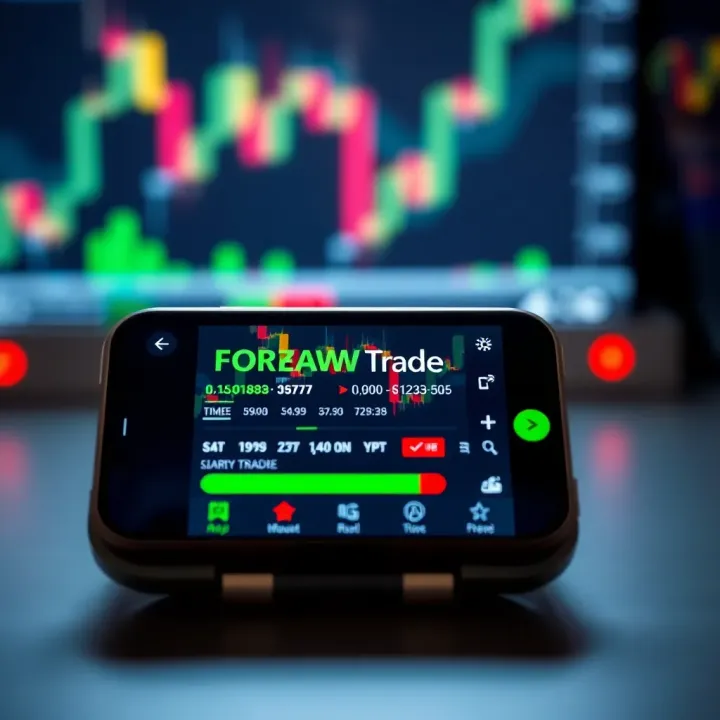
Before diving into app comparisons or installation steps, it's worth highlighting a few basics. Look for platforms that support popular currency pairs involving ZAR, as well as major forex pairs like EUR/USD or GBP/USD. Check if the app provides real-time price feeds, charting tools, and allows easy order placement — these features make a big difference in managing your trades effectively.
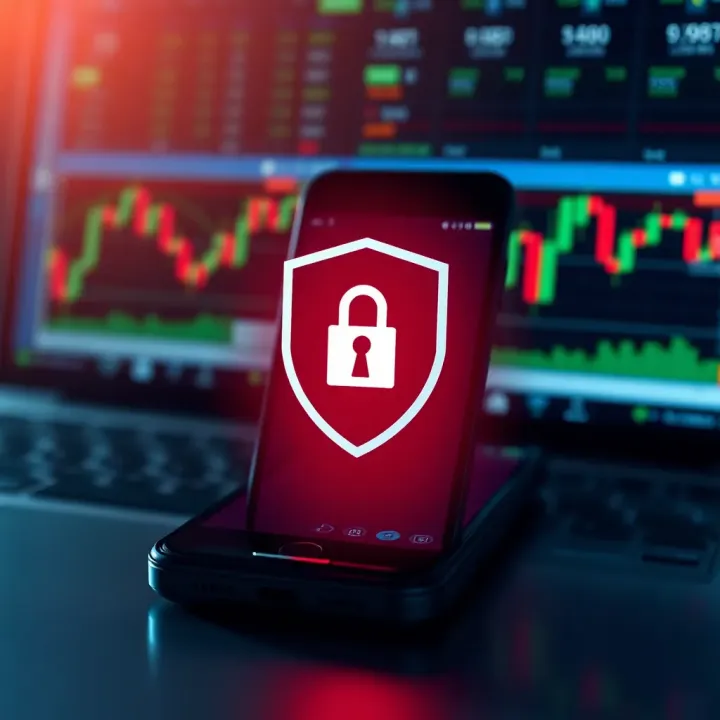
Security can’t be overlooked. Since apps handle sensitive financial information and transactions, they must comply with South African regulations like FICA (Financial Intelligence Centre Act) and POPIA (Protection of Personal Information Act). This means robust encryption, multi-factor authentication, and clear privacy policies.
A forex app isn’t just a tool; it’s your trading partner on the move. Picking one suited to your needs ensures you won’t miss market shifts during a bakkie trip or a quick coffee down the road.
In the next sections, we’ll look into how to weigh these factors properly and safely download your chosen forex trading app. Knowing what to expect means you can spend more time trading and less time troubleshooting.
Forex trading apps have changed the way traders engage with currency markets, especially here in South Africa where mobile connectivity is widespread. Having a solid understanding of what these apps offer is critical for anyone serious about trading. It’s not just about convenience; knowing the tools at your fingertips can help you make quicker, smarter decisions.
Real-time market data and charting are the backbone of any forex trading app. Traders rely on up-to-date price quotes and live charts to spot trends and act accordingly. For example, a Johannesburg-based trader might watch the USD/ZAR pair during the Open session to catch favourable movements. Without immediate data, decisions lag, and profits slip away. These apps often provide interactive charts with options to zoom, switch timeframes, and apply technical indicators, helping you analyse market behaviour visually.
Order execution and account management come next. A forex app isn’t just for watching; it lets you place trades in real time. That includes market orders, limit orders, and stop losses, all from your mobile device. Plus, managing your account—checking your balance, margin levels, or transaction history—is quick and accessible. Imagine you’re at a meeting in Cape Town, and sudden news affects your trade. Instead of waiting till you get home, you can close or adjust your position to minimise risk.
News and analysis features add context to raw numbers. Many apps integrate financial news feeds, expert commentaries, and economic calendars relevant to forex pairs. This might include the South African Reserve Bank’s rate decisions or US non-farm payroll data. Having this info close at hand means you understand why a currency pair moves and what might happen next. It’s like having a mini financial newsroom in your pocket.
Convenience and accessibility on the go top most users’ lists. South Africa’s traffic jams, busy workdays, and loadshedding mean you need trading tools that fit your lifestyle. A mobile app lets you monitor markets and trade anywhere—whether you’re on a Gauteng taxi or chilling with a braai in Durban. This flexibility helps keep you connected during crucial market hours.
Faster trade execution can make the difference between profit and loss. Desktop platforms are powerful, but grabbing your mobile and placing a trade within seconds can be a game changer when currency prices swing rapidly. The technology behind apps ensures minimal lag, so you’re trading at near-live prices.
Notifications and alerts keep you ahead without staring at your screen all day. You can set price alerts or get notified of economic events impacting your positions. For instance, if the rand suddenly weakens, your app can ping you instantly, so you don’t miss a chance to lock in gains or cut losses.
Remember, a well-chosen forex app is not just about technology but how it fits your trading style and South African market needs. Keep these features in mind to get the most from your trading experience.
Choosing the right forex trading app for South Africa isn't just about flashy features or colourful charts. Several key factors will directly affect your trading success and security. These include regulation and the broker’s reputation, the app’s features and usability, and the costs involved. Each has practical relevance, so let’s take a closer look.
The Financial Sector Conduct Authority (FSCA) is South Africa’s watchdog for financial services. An app linked to an FSCA-regulated broker means you’re dealing with a licensed entity that has to follow strict rules around client protection and transparency. This is critical because it reduces the chance of falling prey to scams or unethical practices. For instance, if a broker isn’t FSCA regulated, you might struggle with withdrawals or get exposed to unfair fees.
Beyond regulation, it helps to see how other traders rate the broker and app. Reviews can reveal real-life experiences about platform stability, customer service, and issues like unexpected downtime. Sites like MyBroadband or specialised trading forums often have honest feedback. For example, a trader might warn you about an app that regularly lags during volatile market times — something that can cost you dearly.
A clean, intuitive design matters a lot. When you’re scanning charts or placing orders, you don’t want to fumble through convoluted menus or slow responses. An app with a straightforward layout makes trading quicker and less stressful. Consider apps that offer customisable dashboards so you can prioritise what you use most.
While forex is the focus, some apps also let you trade indices, commodities, or cryptocurrencies. Depending on your strategy, having access to diverse instruments within one app can be a bonus. For example, if you want to hedge a forex position with gold or the JSE Top 40 index, check that the app supports it.
Robust charting features help you spot trends and signal trade opportunities. Look for apps that offer multiple time frames, drawing tools like Fibonacci retracements, and popular indicators such as RSI or MACD. These tools help you make more informed decisions rather than blindly guessing.
Every trade usually comes with a cost: either a spread (difference between buy and sell price) or a commission. Lower spreads save money, especially if you trade frequently. Some apps advertise zero commissions but compensate with wider spreads. It’s wise to compare the effective cost, not just the headline fees. For instance, a spread of 2 pips on EUR/ZAR might add up fast if you trade often.
Make sure to clarify if the app or broker charges for depositing or withdrawing funds. These fees can catch you off guard and chip away at profits. Local payment options like EFT or Instant EFT are common in South Africa and often cheaper. Beware of using international methods that may incur currency conversion fees or longer processing times.
Always read the fine print on fees before committing to an app. Small charges here and there add up, eating into your trading capital.
Choosing the right app boils down to balancing these factors with your trading goals. Keep regulation, real user feedback, solid features, and transparent costs top of mind. That way, you’re set up for a smoother, safer trading experience right from your mobile device.
For South African traders, choosing the right forex trading app can make a big difference in both convenience and success. Popular apps aren't just about brand recognition—they offer specific tools and support that suit local market conditions and regulatory environments. Understanding the most widely used platforms helps traders pick software that balances functionality with trusted service.
MetaTrader 4 (MT4) and MetaTrader 5 (MT5) remain among the most favoured forex trading apps in South Africa, mainly because of their reliability and comprehensive features. Many brokers support MT4 and MT5, giving users access to a wide range of currency pairs, commodities, and indices. Both platforms provide robust charting tools, automated trading options via Expert Advisors (EAs), and extensive community support. Traders appreciate how well these apps run on both Android and iOS, making it easy to trade even amid loadshedding or data disruptions.
For the South African market, these platforms also offer support for rand (ZAR) trading pairs, which is an advantage for those wanting to avoid forex risk from USD or EUR conversions. Furthermore, local brokers often customise MT4 and MT5 with extra plugins or integration for popular payment methods like EFT or even mobile money wallets, making deposits and withdrawals smoother for South African clients.
Several South African brokers develop their own forex apps tailored to the specific needs of local traders. Apps from firms like CM Trading, ForexTime (FXTM), and HotForex provide user-friendly interfaces and direct customer service channels suited to South African users. These apps usually reflect local regulatory compliance under the Financial Sector Conduct Authority (FSCA), ensuring safer trading environments.
A key benefit of using local broker apps lies in their customer support. Access to support teams fluent in South African English, alongside Afrikaans or indigenous languages, creates a more connected user experience. Local time zones also mean help is generally available during South African trading hours, reducing wait times. This local assistance comes in handy when swift problem-solving is necessary—whether it's verifying documents or dealing with unexpected app glitches.
Besides MetaTrader and local broker apps, some South African traders use global apps like cTrader, TradingView, or ThinkTrader. These apps often come with advanced charting, social trading communities, and wider access to international markets beyond forex, including stocks and cryptocurrencies.
That said, it's critical to pick international apps carefully. Not every global platform fully complies with South African laws or protects personal data according to local standards like the Protection of Personal Information Act (POPIA). Traders should verify an app's regulatory status and payment options to avoid surprises, especially given the local quirks around forex trading levies and SARB rules. Checking reviews specifically from South African users can provide insight into any issues unique to this market.
In summary, whether you lean towards classic platforms like MetaTrader, a local broker’s app, or a broader international player, the best forex trading app for you is one that blends functional features with trust and solid support right here in South Africa.
Downloading and setting up your forex trading app properly is the first practical step towards meaningful trading. It’s not just about hitting the download button and hoping for the best; you need to ensure the app comes from a trusted source, your account is set up securely, and your app settings match your trading style. Getting these basics right protects your investments and helps you trade with ease from the get-go.
When downloading a forex trading app, sticking to the Google Play Store or Apple App Store guarantees you receive a legitimate, up-to-date version. These official platforms vet apps for malware and compliance with platform policies. For instance, downloading MetaTrader 4 from Google Play ensures you get the original app under continuous support from MetaQuotes. This prevents issues like app crashes or missing features that unofficial versions may cause.
Downloading apps from unofficial sites or third-party platforms can put you at serious risk. Malicious software or altered apps can compromise your device or steal sensitive data like login details and bank information. In South Africa, where financial scams are not uncommon, this threat is real and significant. Avoid shortcuts that might expose your accounts to hackers or fraudsters – it’s better to take the slower, safer route through verified app stores.
Forex brokers operating legally in South Africa must comply with regulations set by the Financial Sector Conduct Authority (FSCA). As part of these rules, you’ll need to submit ID documents such as your South African ID book or smart ID card. This step verifies your identity and prevents fraud or money laundering on their platform. It might feel time-consuming, but providing clear scans or photos speeds up approval.
KYC processes usually involve sharing proof of residence (a recent utility bill or bank statement) alongside your ID. Some brokers may ask for a selfie verifying you match your documents. Photographic verification helps avoid impersonation, particularly when large trades or withdrawals are involved. Most South African brokers have mobile-friendly verification workflows integrated within their apps, making the process fairly straightforward for the user.
Once your account is set up, tailoring the app layout to your trading preferences is vital. Many apps let you arrange charts, watchlists, and news feeds. Setting price alerts or notifications for economic events keeps you in the loop without constantly monitoring the app. For example, you might configure an alert for the USD/ZAR pair when it nears a certain level, so you don’t miss a trading opportunity.
Connecting your South African bank account or e-wallet to your forex app is essential before you can deposit funds. Popular methods include EFT transfers and sometimes instant payment options via SnapScan or Zapper. Make sure the broker accepts the payment method you prefer and understand any deposit fees involved. Funding your wallet securely ensures you can start trading immediately without delays caused by payment issues.
Taking the time to download safely, verify your identity correctly, and tailor your app settings lays a solid foundation. This practical approach helps you avoid common pitfalls and focuses your energy on trading strategies rather than technical hiccups.
By following these steps, you’re setting yourself up to trade smarter and safer in the South African forex market.
Security should never be an afterthought when trading forex on mobile apps. These platforms deal with sensitive personal and financial information, so protecting yourself against threats is essential. Keeping your data safe not only preserves your hard-earned money but also helps maintain trust in your chosen forex platform.
Using strong passwords and two-factor authentication is one of the simplest yet most effective ways to shield your forex account. Avoid easy-to-guess passwords like "123456" or your birthdate. Instead, create longer combinations using a mix of letters, numbers, and symbols. Many forex apps now offer two-factor authentication (2FA), which usually means a code is sent to your cellphone or email that you’ll need in addition to your password. It might slow you down just a little, but it makes hacking far more difficult.
Recognising phishing and scam attempts is equally crucial. Phishing often arrives as seemingly genuine messages—maybe an email claiming to be from your broker, asking you to update login details via a link. These can lead to fake websites designed to steal your credentials. In practice, always check the sender’s email address carefully and avoid clicking any suspicious links. If in doubt, contact your broker directly using verified contact details—not the ones in the message. Never share your password or account numbers with anyone.
Keeping the app updated is something many traders overlook. App updates frequently include security patches that close vulnerabilities discovered since the last version. Missing these updates exposes your account to risks that cybercriminals might exploit. Make it a habit to set your apps to update automatically or check for updates regularly, especially if you’re active on multiple platforms.
Avoiding public Wi-Fi for transactions is another practical safety step. Public networks—such as those at coffee shops, airports, or malls—are notoriously insecure, making it easy for hackers to intercept data. While connected to public Wi-Fi, it’s best to avoid logging into your forex app or conducting trades. If you must trade on the go, consider using a mobile data connection or a reliable virtual private network (VPN) to encrypt your online activity.
Staying vigilant about security protects not only your money but also your peace of mind while trading. Being cautious with login details, account activity, and network connections shields you against common threats that plague forex trading apps today.
Observing these security basics keeps you a step ahead of cybercriminals and helps ensure your forex trading experience stays smooth and secure.
Discover the best free forex trading apps for South African traders 🇿🇦. Learn key features, security tips, app comparisons, and how to boost your strategy 📈.
Explore how to choose, install, and use forex trading systems safely in South Africa 🇿🇦. Learn key features to boost your trading strategy today! 📈💻
Learn the fundamentals of forex trading 📈. Get practical tips on strategies, risk management, and market factors tailored for South African traders 🇿🇦.
Explore how to start free forex trading in South Africa 🇿🇦 with top no-cost platforms, legal tips, essential tools, and risk-smart strategies to grow your skills.
Based on 15 reviews