
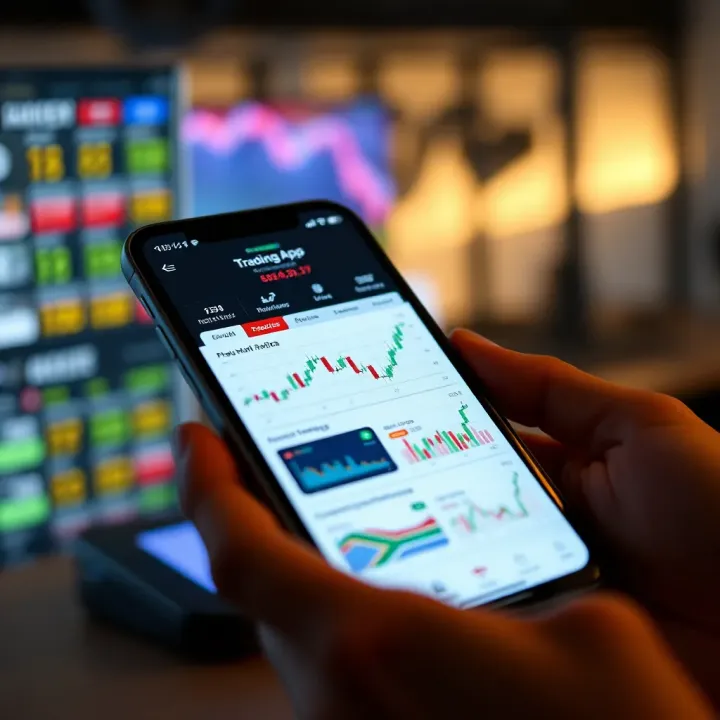
Choosing the Best Trading App in South Africa
Looking for the best trading app in South Africa? 📱 Compare top platforms, fees, security, and features to match your budget and trading style effectively.
Edited By
Thomas Hughes
For traders stepping into the forex market, a demo app is the safest place to cut their teeth. It offers a risk-free environment to practise without real money on the line, perfect for learning how forex trading really works. Whether you're testing strategies or getting used to market movements, a well-chosen demo app makes all the difference.
In South Africa, where many are cautious about financial products and wary of scams, selecting the right forex demo app is especially important. Local regulations govern which brokers are licensed to operate here, so the app you pick should ideally be linked to a reputable broker registered with the Financial Sector Conduct Authority (FSCA). This ensures your trading experience is secure and compliant.

A demo app typically mirrors real market conditions with live or near-live data, allowing you to place trades, monitor currency pairs like USD/ZAR or EUR/USD, and analyse charts just like in a real account. It’s common for demo accounts to offer a virtual balance—say R100,000—which lets you experiment with leverage and margin without actual risk.
Choosing a demo app isn't just about the brand name. Look out for features such as:
Access to major and minor currency pairs, including those relevant to South Africans
User-friendly interfaces available on desktop and mobile
Educational tools like tutorials and market news
Customisable charts and technical indicators
Reasonably realistic trading conditions matching a live environment
Getting started usually involves a straightforward signup requiring minimal details; no need for full identity checks since no real money is involved. Still, it’s smart to download apps directly from official app stores or authorised broker sites to avoid fake versions.
A forex demo app is like your personal training field — use it freely but remember, the landscape of real trading includes emotional highs and lows that only experience reveals.
In the following sections, we’ll cover practical steps to download your chosen demo app, tips to make the most of simulated trading, and how you can safely transition to trading with actual funds. Keep reading to lay a solid foundation before you dive into South Africa’s bustling forex waters.
Forex trading demo apps offer a risk-free way to test the waters before committing real cash. They simulate live trading environments, using virtual money to mirror market conditions. For South African traders, getting to grips with these tools helps build the foundational skills needed to thrive in forex markets.
In simple terms, a forex trading demo app is a platform that allows you to practise buying and selling foreign currencies without using actual money. It functions just like a real trading app, giving you access to real-time or close-to-real-time market data, tools, and charts. For example, platforms like MetaTrader 4 or MetaTrader 5 include demo versions where you can open positions on currency pairs such as USD/ZAR or EUR/USD without financial risk.
Starting with a demo app means you get to familiarise yourself with the trading process and the platform interface without the pressure of losing money. This is important because forex trading involves complex factors like leverage, spreads, and volatility. Without experience, it’s easy to make costly mistakes. Practising on a demo motivates you to refine your strategy and understand how economic news or events — say, SARB interest rate announcements — might affect currency movements.
A local example: A South African trader might use a demo app to see how Eskom's loadshedding announcements impact the ZAR's value compared to the USD or Euro.
When choosing a demo app, look out for these features:
Realistic Market Data: The price feeds should reflect current forex rates closely. Delays or outdated data weaken your learning.
Comprehensive Charting Tools: Indicators such as moving averages or RSI (Relative Strength Index) help analyse market trends.
Trade Execution Options: Ability to place various types of orders — market, limit, stop-loss — just like in live trading.
Account Statistics and Reports: Tracking your trading performance over time identifies strengths and weaknesses.
User-Friendly Interface: Simple navigation avoids getting overwhelmed, making it easier to focus on trading strategies.
Using a demo app is like a rehearsal before a braai — you want everything lined up, no surprises, so the actual event goes smoothly.
Overall, understanding the nuts and bolts of forex trading demo apps equips you to turn theory into practical skill. Given the complexity and risk of forex markets, this knowledge reduces guesswork and boosts your confidence before stepping into live trading.
Getting started with a forex trading demo app is a key step in building your trading skills without risking real money. This section focuses on how to find, install, and properly configure a demo app so you can practise like a pro right from the get-go. Understanding these basics helps avoid tech hiccups and ensures you’re working with a setup tailored to your device and learning needs.
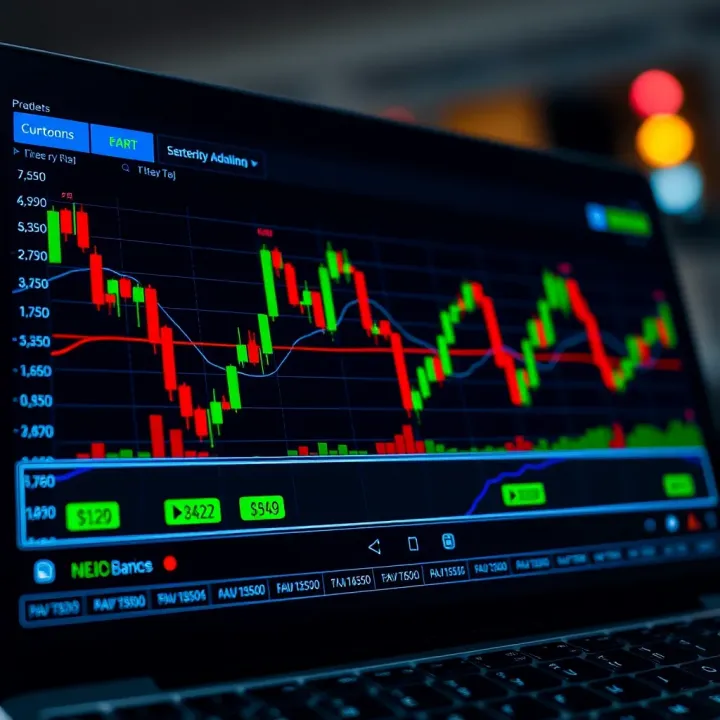
Picking a trustworthy demo app is essential since not all apps offer the same features or reliability. Look for apps compatible with your device, whether it’s an Android, iOS mobile, or desktop computer. For instance, apps like MetaTrader 4 and MetaTrader 5 have wide support across devices and are well-regarded internationally and locally in South Africa.
Besides compatibility, consider apps backed by regulated brokers, preferably those registered with the Financial Sector Conduct Authority (FSCA) in South Africa. This helps ensure your demo experience reflects real-market trading conditions.
Once you’ve chosen a demo app, downloading it is usually straightforward but requires some attention:
Visit the official source: Always download the app from official websites or verified app stores like Google Play or Apple’s App Store to avoid malware.
Check device requirements: Confirm your device meets minimum specifications; older phones may struggle with resource-heavy trading platforms.
Install the app: Follow the on-screen prompts to install the app. Keep an eye out for any permissions the app requests – it shouldn’t ask for access unrelated to trading functions.
Launch the app: Once installed, open it and affirm any introductory prompts.
After installation, setting up your demo account shapes how well you learn. Usually, apps offer registration with basic details like email address and preferred username.
Here’s what to keep in mind:
Choose your virtual deposit wisely: This is your starting capital in the demo. Some apps default to R100,000 of virtual funds, but you should adjust it to a level you might realistically use when going live.
Select your base currency: As a South African trader, setting your base currency to ZAR helps you understand profits and losses in local terms without constant conversion.
Set leverage carefully: High leverage options might be there, but it’s best to start with conservative levels that you plan to use in real trading.
A well-configured demo account lets you experience near-real conditions so you can test strategies properly and build confidence without the stress of losing real money.
With your demo app downloaded, installed, and set up, you’re ready to start practising. The key is to treat the demo seriously and get familiar with tools, charts, and order execution – this pays dividends when you decide to trade for real. Keep your device charged and ready; nothing puts a dampener on learning like dodgy internet or an app crashing mid-trade!
Practising with a forex demo app gives you the chance to try out trading strategies without risking real money. This is where you can afford to make mistakes, test different approaches, and understand how the market moves in real time. For instance, if you're considering using a breakout strategy during volatile periods, a demo app lets you simulate trades and observe outcomes before deciding to use this technique with your actual cash.
Tracking your progress is just as important as practising. Many demo apps provide tools to review your trades, analyse wins and losses, and spot patterns in your decision-making. By taking a careful look at your trading history, you can identify mistakes like overtrading or holding onto losing positions too long. Imagine noticing that you consistently close profitable trades too early; this insight helps you adjust your approach and improve over time.
But watch out for common pitfalls when using demo accounts. One major trap is the false sense of security that comes from trading without real money on the line. Some traders might take larger risks or ignore discipline, forgetting how emotions impact live trading. Also, demo account conditions sometimes don’t perfectly mirror live market conditions, such as order execution speeds. So, it is useful to treat your practice seriously, maintaining realistic stakes and following solid risk management.
Practising smartly on a demo app means using it as a learning tool—not just a playground.
To make the best use of your demo app:
Set clear goals for each session.
Keep a trading journal to note what works and what doesn't.
Gradually introduce realistic risk levels.
Treat every 'trade' like it's real money.
In South Africa, where the forex market can be affected by local factors like rand volatility and economic news, practising regularly on your demo app prepares you to react calmly when you switch to live trading. This approach helps build confidence and sharpens your skills, so you’re better equipped to handle real trades when the time comes.
Moving from a demo forex trading app to live trading marks a significant step. It’s not just flipping a switch; it’s a shift in mindset and risk exposure. While demo accounts offer a safe environment to learn and experiment, live trading introduces real money and real emotions, which can affect decision-making.
You’re ready to trade live when you consistently achieve profitable results on your demo account and understand your trading strategy inside out. For instance, if you’ve practised a range of strategies over several months and have a clear grasp of your risk tolerance and profit targets, that’s a good signal. Importantly, mastery of the platform matters too—know where to enter trades, how to set stop-loss and take-profit levels without hesitation.
It’s wise to start small in live trading, treating the first few weeks as an extension of your learning curve. Say you had R10,000 in demo funds and grew it steadily; start with no more than R1,000 in your live account. This limits pressure and lets you see how real psychological factors come into play.
Risk management is non-negotiable when trading live. Use stop-loss orders diligently to limit potential losses and avoid chasing losses emotionally. South African traders should be mindful of the rand’s volatility, which can impact forex pairs involving ZAR.
Sound expectations help maintain balance. Don’t expect to double your account quickly or avoid losses altogether. Trading is about steady progress, not fast riches. For example, a reasonable monthly return is around 2–5% of your capital—anything beyond should be approached with caution.
A good practice is to set a daily loss limit to prevent reckless trading on losing days. If you reach that limit, take a break and review your trades the next day.
South African forex traders must stay aware of local financial laws and regulations. The Financial Sector Conduct Authority (FSCA) oversees forex brokers operating locally. Only choose brokers licensed by FSCA or reputable international brokers that comply with South African rules.
Also, traders need to comply with South African Reserve Bank (SARB) regulations regarding capital inflows and outflows, especially if transferring funds abroad for trading.
Tax considerations are key too. SARS requires traders to declare profits from forex trading as taxable income. Keeping meticulous records of trades and profits helps during tax season.
Transitioning to live trading means stepping into a more complex environment where discipline, risk management, and awareness of local rules are vital for long-term success.
Your journey from demo to live forex trading involves more than just changing apps—it requires readiness, realistic goals, and compliance. It pays off to approach this phase with patience and respect for the challenges ahead.
South African traders benefit from using forex demo apps tailored to local market conditions and regulations. These apps offer a risk-free space to learn trading, test strategies, and understand how volatile forex markets react to global and local events, such as fluctuations in the rand or changes in SARB interest rates. Picking a reliable and user-friendly demo app can make a big difference in gaining confidence before trading live.
In South Africa, some of the most user-friendly forex demo apps include MetaTrader 4 (MT4), MetaTrader 5 (MT5), and the trading platforms offered by local brokers like IG South Africa and African Alliance. MetaTrader apps are well-known for their straightforward interface and powerful charting tools, making them a favourite among new and seasoned traders alike. For instance, MT4 allows you to practise with real-time price feeds and execute trades on a simulated account, giving a clear feel of live market dynamics.
IG South Africa’s app offers localised features including access to South African stocks and forex pairs, plus educational resources tailored to Mzansi traders. African Alliance’s demo platform combines easy navigation with direct support, helping newcomers understand spreads, leverage, and margin requirements without diving into real risk.
Choosing an app that balances simplicity and advanced features is crucial. A too-complex app might intimidate beginners, while a basic one might hold back your learning.
When comparing forex demo apps, focus on these three key factors:
Features: Check for live price data, order types (market, limit, stop-loss), and access to technical indicators. MT5, for example, offers more indicators and charting options than MT4, but some find MT4 less cluttered and more approachable at the start.
Compatibility: Ensure the app works smoothly on your device, whether Android, iOS, or desktop. MT4 and MT5 both provide mobile and desktop versions. IG South Africa’s app is optimised for South African users on both platforms, with stable performance even on slower connections common in some areas.
Support: Look for responsive customer service and helpful learning materials. Local broker apps often have better support tailored to South African clients, including live chat and phone support during local trading hours.
Having a demo app that fits your device, skill level, and learning style is key to building solid trading skills without unnecessary frustration.
Ultimately, the best forex demo app for a South African trader combines real-market simulation with ease of use, clear data, and localised support. By carefully weighing your options based on features, compatibility, and service, you set yourself up for a more confident transition into real forex trading.
Looking for the best trading app in South Africa? 📱 Compare top platforms, fees, security, and features to match your budget and trading style effectively.
Discover the best free forex trading apps for South African traders 🇿🇦. Learn key features, security tips, app comparisons, and how to boost your strategy 📈.

Looking for the right forex trading software in South Africa? 📈 Discover key features, local market insights, and tips to pick a platform that matches your needs. 🇿🇦
📊 Discover how forex trading schools in South Africa help you learn currency trading skills, course types, costs, and how to choose the best one for success.
Based on 9 reviews